InmateLink
All ServicesFacility & Inmate SearchCourts & Justice OfficesBail CompaniesCriminal Defense LawyersJail NotariesPrivate InvestigatorsExpert WitnessesCommunity & Reentry OrganizationsLegal Library Directory
All ToolsPlans & PricingSurvival GuidesFamilyLink ContactsVendor ChatLifeLink PlanCrisisLink HotlineCourt Case ManagerLegal Library
Advertise for $100Combined 2026 offerBusiness overviewBail AgentsAttorneysNotariesPrivate InvestigatorsExpert WitnessesCommunity Organizations
Advertise$100Account
A woman organizing family, life, and court details at home.

InmateLink Tools

Turn the next move into a plan you can actually follow.

Use public tools to find reliable starting points, then use the signed-in dashboard to save private contacts, instructions, court tasks, and visit plans.

  • Keep trusted contacts clear.
  • Save private life instructions.
  • Organize court and visit plans.
Browse tools Open my dashboard
Vendor Chat illustration of a provider conversation.

Vendor Chat

Keep your provider questions and replies together.

Ask participating bail companies a private question, then return to Messages for the conversation. Look for Message company on a listing; availability varies by provider.

  • Ask about service areas, fees, and next steps
  • Keep follow-up questions in the same conversation
  • Use text only, without sensitive details or attachments
See Vendor Chat
FamilyLink showing trusted contacts and their roles.

FamilyLink

Keep trusted people and their roles clear.

Save the people your family may need, how to reach them, what they help with, and the private notes you choose to keep. Nothing is shared or invited automatically.

  • Keep names, relationships, and contact preferences together
  • Record the role each trusted person may play
  • Return to one private list when the next call matters
Open FamilyLink
LifeLink showing private instructions organized by life area.

LifeLink

Leave instructions someone you trust can use.

Organize home, bills, family, pets, vehicles, documents, and other practical instructions as clear private records instead of leaving someone to guess.

  • Separate instructions by the part of life they belong to
  • Write the first practical action someone should take
  • Keep raw passwords out and store access guidance instead
Open LifeLink
CrisisLink online guide showing immediate support options.

CrisisLink

Slow the panic and identify the next safe action.

Use the CrisisLink online guide for immediate, practical direction. It is not a staffed phone line, emergency service, or live AI chat.

  • Open 911 for immediate danger
  • Reach 988 or Childhelp from one clear pathway
  • Return to trusted contacts and facility information next
Use the online guide
Court Case Manager showing court tasks and document checklists.

Court Case Manager

Know the next court-related task before the day arrives.

Save the tasks, questions, dates, notes, document checklists, and official links you enter. The tool does not monitor courts or change dates automatically.

  • Write the next court-related task and optional date
  • Keep questions, notes, and a document checklist together
  • Confirm changing information with the official court
Open Court Case Manager
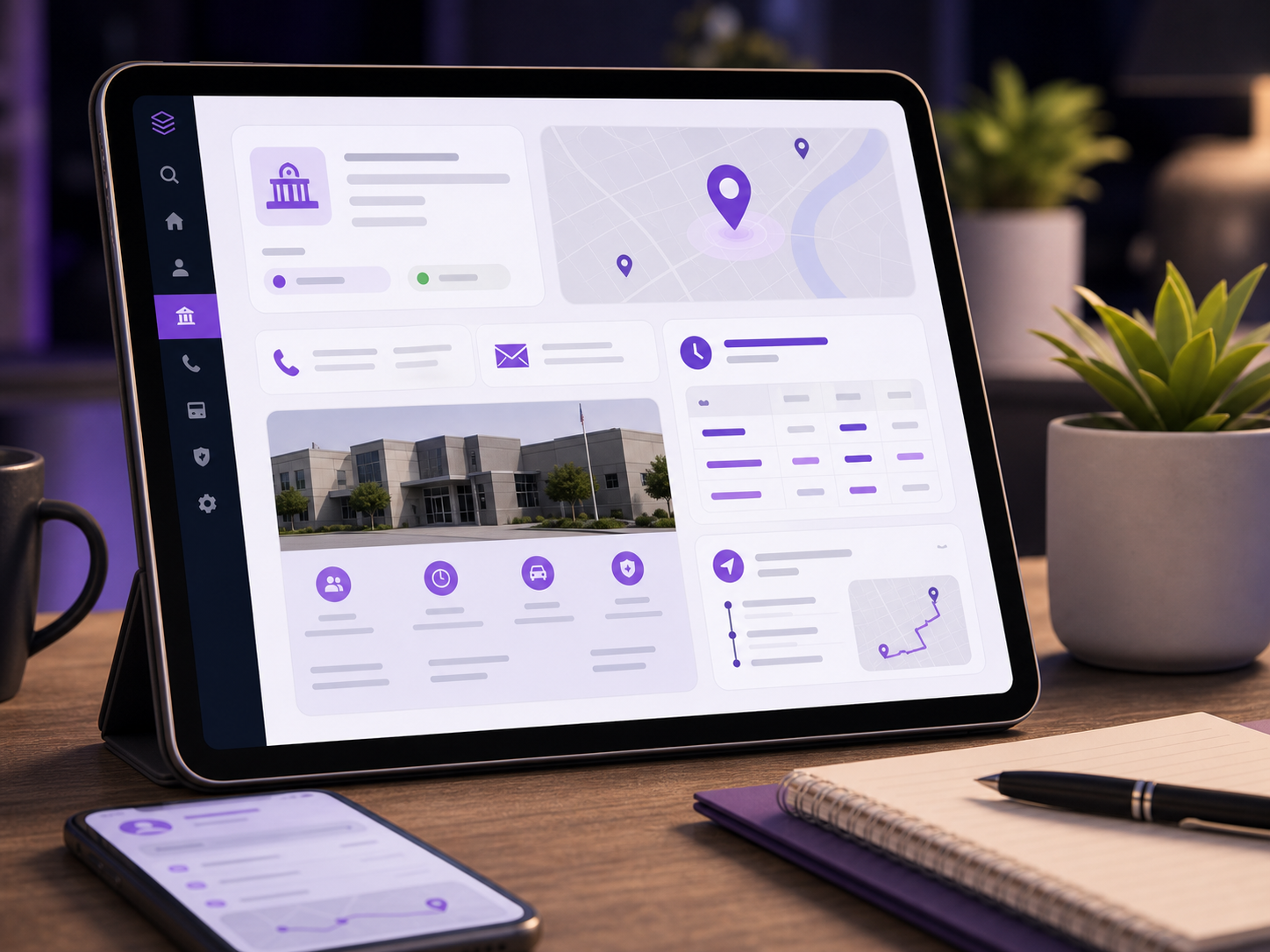
Visit Planner showing facility information and a visit checklist.

Visit Planner

Check the facility, rules, and checklist before you leave.

Choose the facility, open its public information, and save the trip details, questions, and checklist your family needs for the visit.

  • Tie the plan to the correct facility profile
  • Organize travel notes and bring-or-avoid checklists
  • Call and recheck the current facility rules before leaving
Open Visit Planner
Legal Library showing Nevada legal topics and official-source paths.

Legal Library

Understand Nevada law, then open the official source.

Search plain-language Nevada legal topics, trace the real Title, Chapter, and NRS path, and check the controlling text at the official publisher.

  • Search by a plain word or real citation
  • See where a term sits in Nevada law
  • Open the official source before relying on the text
Open Legal Library

How it works

Choose the problem. Add what matters. Leave with a plan.

Start with the pressure point in front of you. InmateLink gives it a clear place to live and a next action you can see.

1

Choose what needs attention

Open the tool for contacts, life instructions, court tasks, a visit, legal context, or immediate guidance.

2

Add only what helps

Save the details, questions, links, and checklists your family actually needs next.

3

Move forward with less guessing

Return to one organized plan and verify changing rules at the official source before acting.

A woman reviewing the next detail to organize for her family.

Built for family life

Keep the next step from getting lost.

Keep people, instructions, help, and court details close.

Private by default

Keep sensitive planning inside the signed-in dashboard and control what you record.

Built around the family workload

Give contacts, instructions, court tasks, and visits a clear place instead of relying on memory.

Official checks stay close

Return to the responsible facility, agency, or court before you act.

Put the next important detail somewhere you can find it.

Open the dashboard and start with the one contact, instruction, court task, or visit detail that cannot be left to memory.

Open my dashboard

A clearer family workspace

Stop keeping every important detail in a different place.

The scattered way

  • Updates in separate chats
  • Instructions kept in memory
  • Court dates on loose paper

The InmateLink way

  • FamilyLink for a contact plan
  • LifeLink for practical instructions
  • Official sources for legal and court checks

Questions families ask

InmateLink Tools questions

What the tools do, what stays private, and what you still need to verify.

Which tools can I use now?
FamilyLink Contacts, LifeLink Plan, Court Case Manager, Visit Planner, Case Files, the CrisisLink online guide, and the Nevada Legal Library are available now.
Will FamilyLink invite or message people for me?
No. FamilyLink currently saves trusted contacts, contact preferences, roles, and private notes. Saving a contact does not invite anyone or share information.
Will Court Case Manager monitor courts?
No. It saves the tasks, dates, questions, notes, checklists, and links you enter manually. Always confirm court information at the official source.
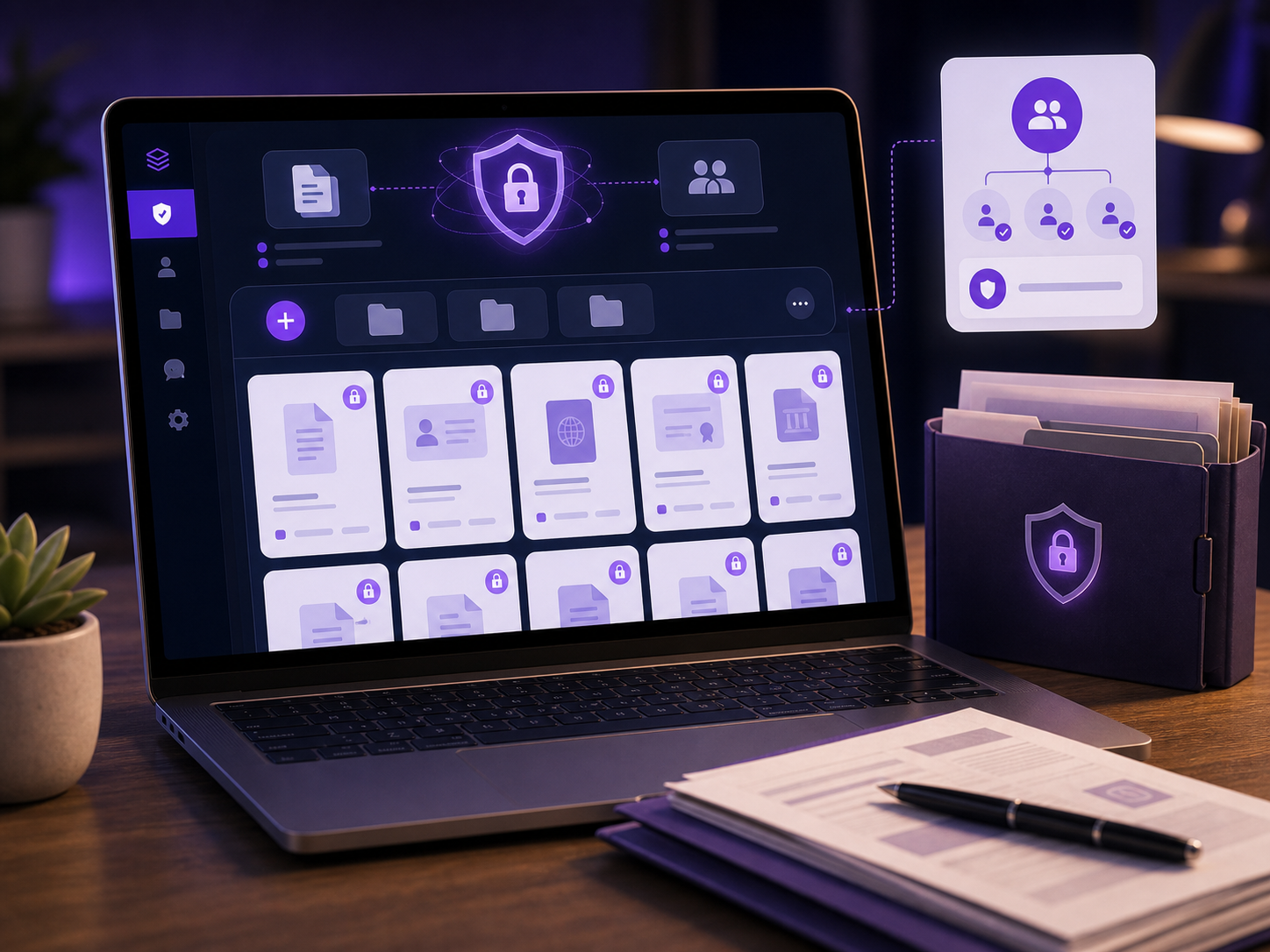
Can I upload private documents?
Not in these organizers today. Case Files and Court Case Manager save checklists, notes, and public links rather than private document files.
Does the Legal Library give legal advice?
No. It provides general information and direct paths to official sources. It does not replace advice from a licensed lawyer.

InmateLink Tools

Build one clear family command center.

Choose the tool that matches the problem in front of you, then save the next useful detail.

Choose a tool
InmateLink

Find facilities, open official inmate-search links, review help, and keep the next step organized when someone you love is in jail.

Services

  • All Services
  • Facility & Inmate Search
  • Courts & Justice Offices
  • Bail Companies
  • Criminal Defense Lawyers
  • Jail Notaries
  • Private Investigators
  • Expert Witnesses
  • Community & Reentry Organizations
  • Legal Library Directory

Tools

  • All Tools
  • Plans & Pricing
  • Survival Guides
  • FamilyLink Contacts
  • Vendor Chat
  • LifeLink Plan
  • CrisisLink Hotline
  • Court Case Manager
  • Legal Library

Business

  • Advertise for $100
  • Business overview
  • Bail Agents
  • Attorneys
  • Notaries
  • Private Investigators
  • Expert Witnesses
  • Community Organizations

© 2026 InmateLink LLC. All rights reserved.

AboutFAQLegalPrivacyTermsAccessibilitySupport