
Next task
Write down the court-related action that needs attention first.
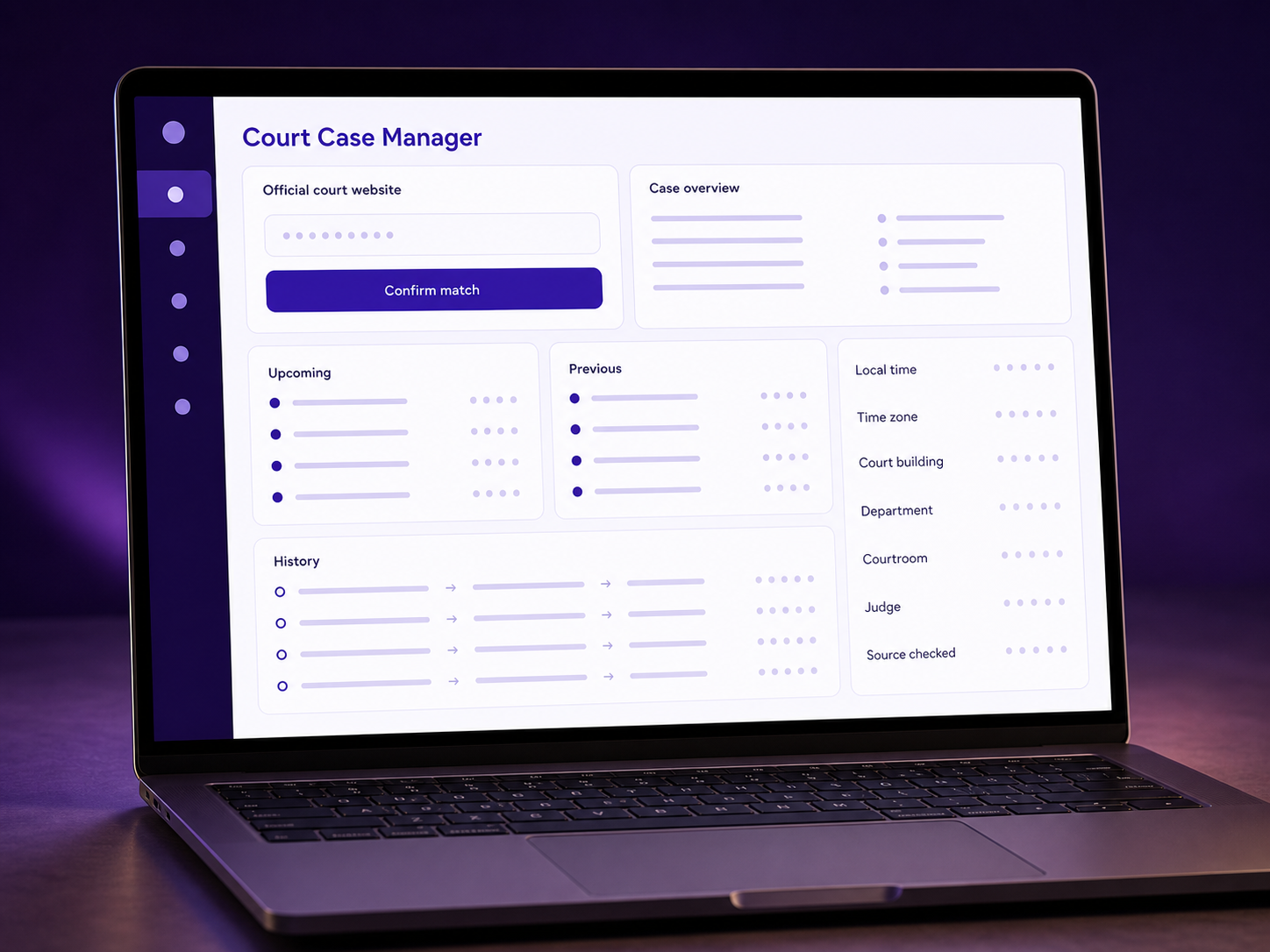
Organize the next court-related task, an optional due date, questions, a document checklist, private notes, and official court links in one signed-in workspace.
Inside Court Case Manager
Keep the questions and preparation work your family controls in one place.
Write down the court-related action that needs attention first.
Add a date your family wants to recheck or prepare for.
List what to prepare without uploading private documents.
Keep the questions and private context you do not want to forget.
Keep the responsible court source close for the final check.
How it works
Start with the next question or task. A case number is not required, and the tool does not monitor court systems.
Start with the one call, question, or item your family needs to handle.
Add an optional date, questions, document names, and private notes.
Return to one plan, then confirm changing dates and requirements with the official court.

Built for the next court date
Reduce the chance that an important question or document name disappears under pressure.
Keep the next task, questions, checklist, and notes together.
Record an optional due date without treating it as live court data.
Open the responsible court source before you rely on a changing detail.
Start with one task or question. Build the rest of the preparation plan from there.
A clearer court record
Questions families ask
What the organizer saves, what it does not monitor, and what you still need to verify.
Court Case Manager
Keep the next task, questions, and preparation checklist together, then verify changing details at the official court.